瓣公宇宙 - PS神登助手
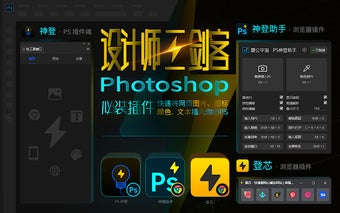
瓣公宇宙 - PS神登助手 is a Chrome add-on that allows users to easily insert images, text, colors, icons, illustrations, and web pages into Photoshop. To use this add-on, users need to install and enable the "神登" PS plugin in Photoshop. Once installed, users can navigate to any webpage with images and simply hover over an image to see a PS icon in the top right corner. Clicking on the icon will prompt the installation or activation of the PS神登 plugin. If the plugin is correctly installed and activated, the current image will be inserted into Photoshop.
Top Recommended Alternative

In addition to inserting images, users can also use keyboard shortcuts to quickly insert text and colors into Photoshop. Hovering over the icon and pressing Alt+X will insert the selected text into Photoshop, and pressing Shift+X will replace the current text layer. To fill colors in Photoshop, users can press Alt and click on a color block. For more shortcuts and features, users can click on the extension icon in the top right corner of the browser and access the "PS神登" user manual.
Overall, 瓣公宇宙 - PS神登助手 is a useful Chrome add-on for users who frequently work with Photoshop and want to streamline their workflow by easily inserting web content into their designs.